

A link by text
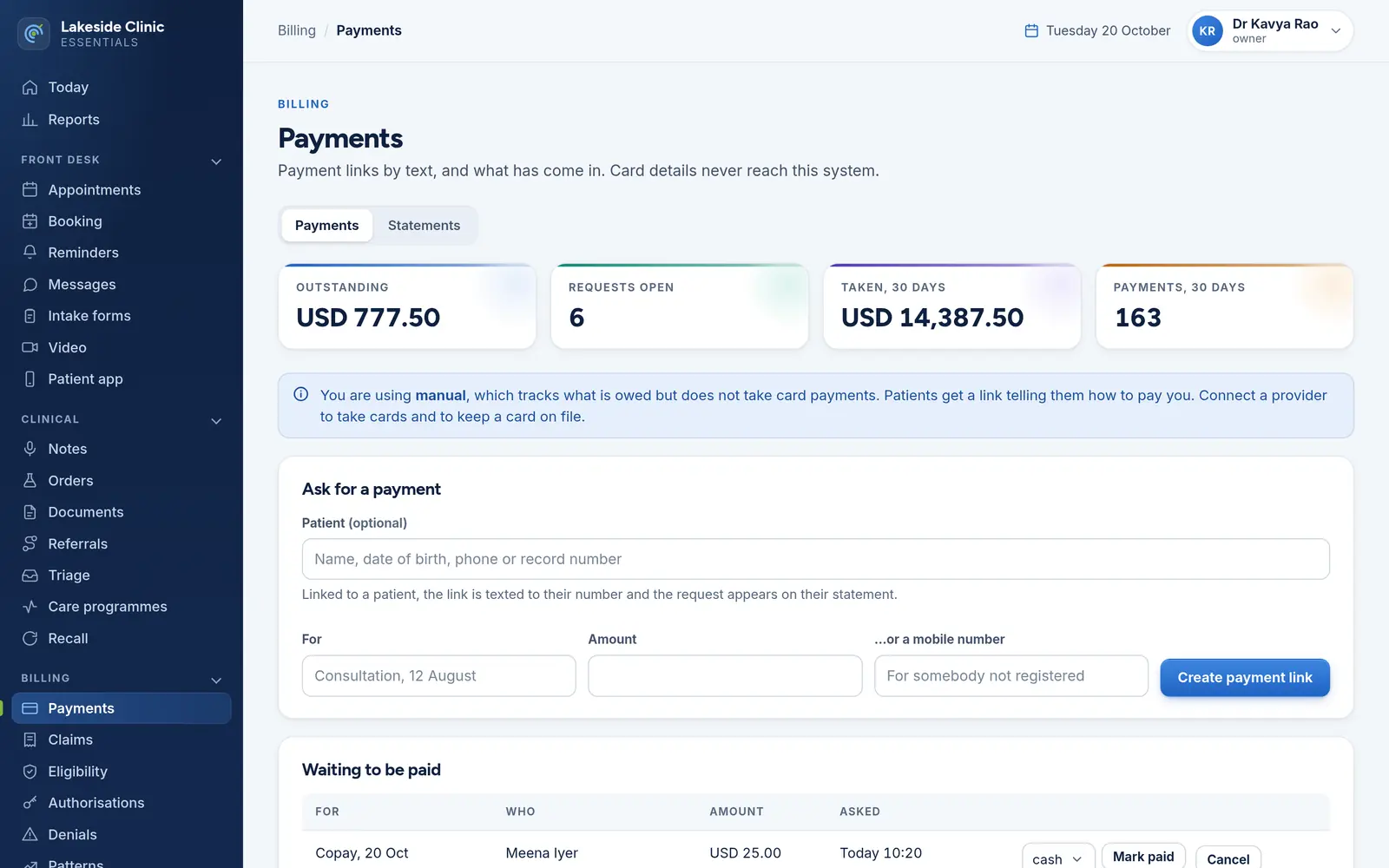
Create a request and text the patient a link — or any mobile number, for somebody not registered. The message says the amount and what it is for, nothing clinical. A link that has expired is marked, and a new one goes out in a click.
Billing / Payments
Ask for a payment by text, record what is paid at the desk, and gather the rest into statements. Card numbers are never stored — there is nowhere to put one.
What it does
Create a request and text the patient a link — or any mobile number, for somebody not registered. The message says the amount and what it is for, nothing clinical. A link that has expired is marked, and a new one goes out in a click.
Outstanding, requests open and what was taken in the last 30 days, with every open request listed.
Record cash, card, bank or other. A part payment keeps the request open until it is paid in full, and a repeated provider confirmation is never counted twice.
A patient’s unpaid requests gathered into one numbered statement with a single pay link, re-sent every 14 days, at most three times.
Set a GST rate, GSTIN and place of supply; tax is split into CGST and SGST or IGST and fixed on each statement when it is issued.
Providers return tokens and tokens are all that is kept, which keeps every machine and backup outside PCI DSS scope.
How it works
Raise a request at the desk or from a denial; the link goes by text.
The patient pays, or it is recorded at the desk. Part payments keep it open.
What is still unpaid rolls into a statement, re-sent on a schedule.
What it needs
Every module switches on and off by itself, per clinic, with its own screens, permissions and audit trail.
Worth knowing
The default provider is “manual”: it tracks what is owed and tells the patient how to pay, but does not take cards. Taking cards online needs a payment-provider connection for your market.
The demo runs every module against an unmodified OpenEMR, with invented patients. Nothing to install and no sales call.


